
GPS tracking on your computer
The V-Secure web tracking panel is the desktop version of the V-Secure app. Open tracking.gvss.pk in Chrome, Edge, Firefox or Safari and sign in with the same username and password you use on your phone. Nothing to install.
It is built for control rooms, transport offices and fleet managers who watch many vehicles at once on a big screen.
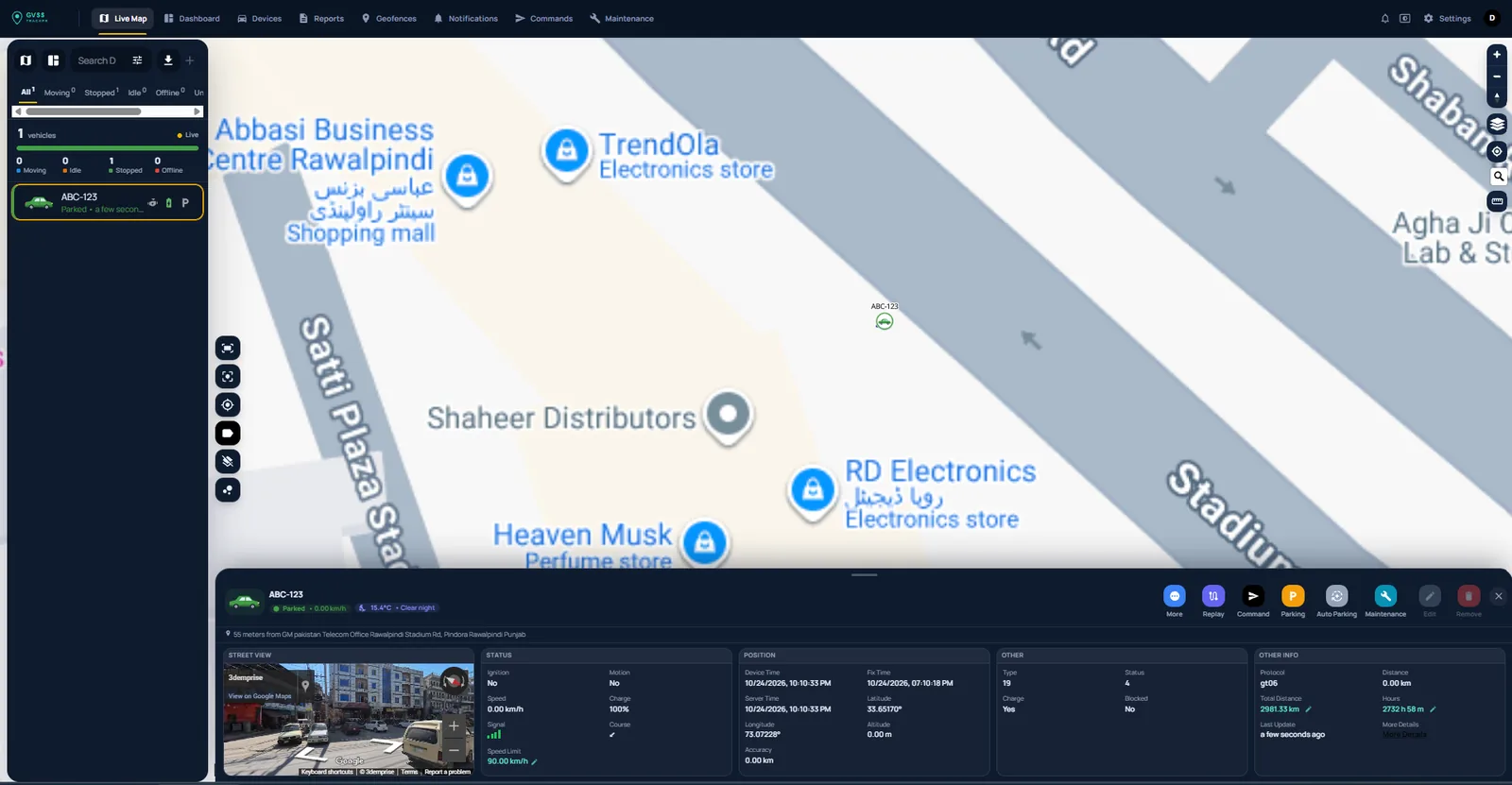
Live map
- Vehicle list with live counts for moving, idle, stopped and offline
- Search and filter vehicles, export the list
- Click a vehicle to open its panel: Google Street View, ignition, speed, battery, position, fix time, address and total distance
- One-click Replay, Command, Parking, Auto Parking and Maintenance
- Map layers, traffic, measuring tool and follow mode
Dashboard
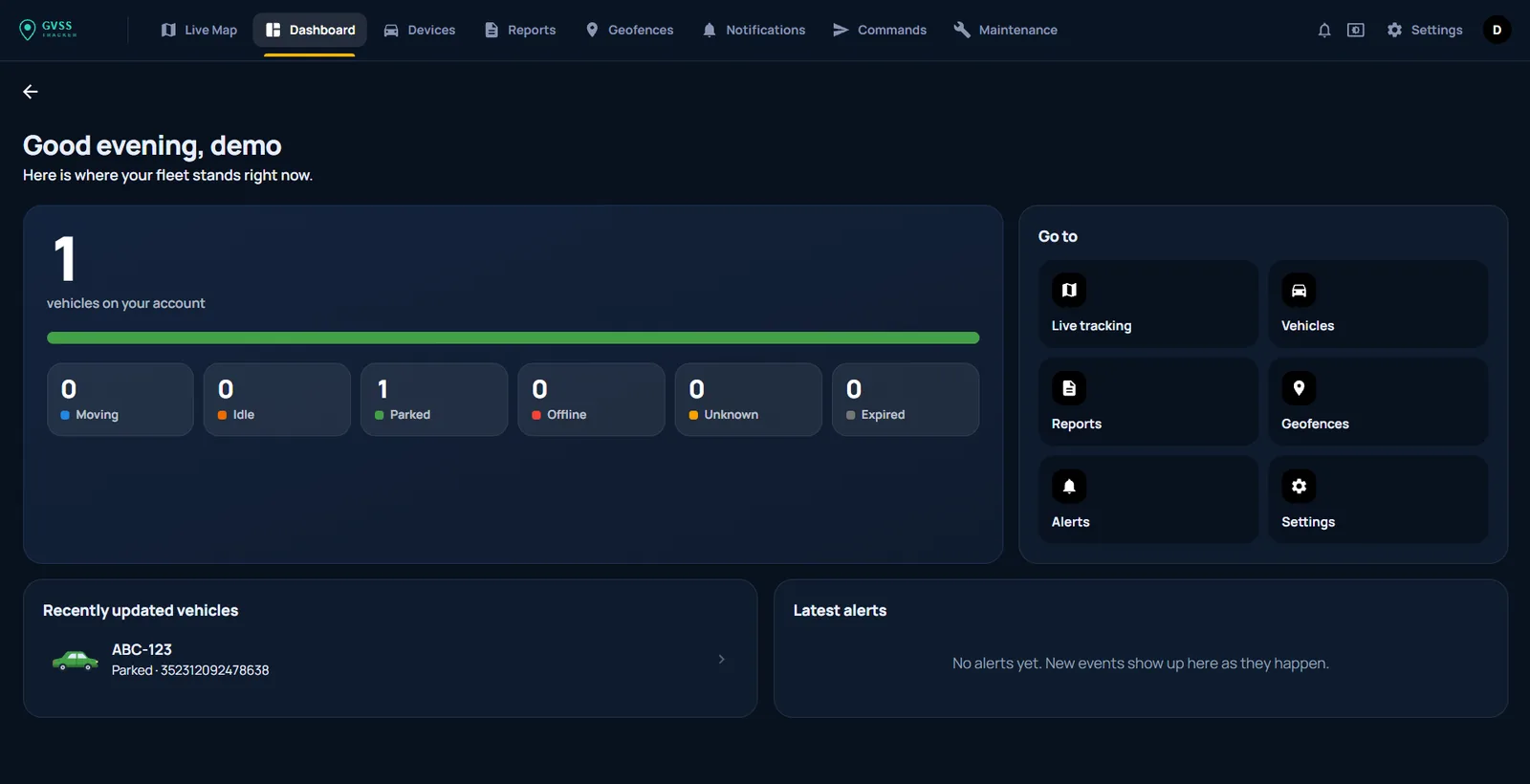
See where your fleet stands right now: total vehicles with moving, idle, parked, offline, unknown and expired counts, recently updated vehicles and the latest alerts, plus shortcuts to live tracking, vehicles, reports, geofences, alerts and settings.
Reports
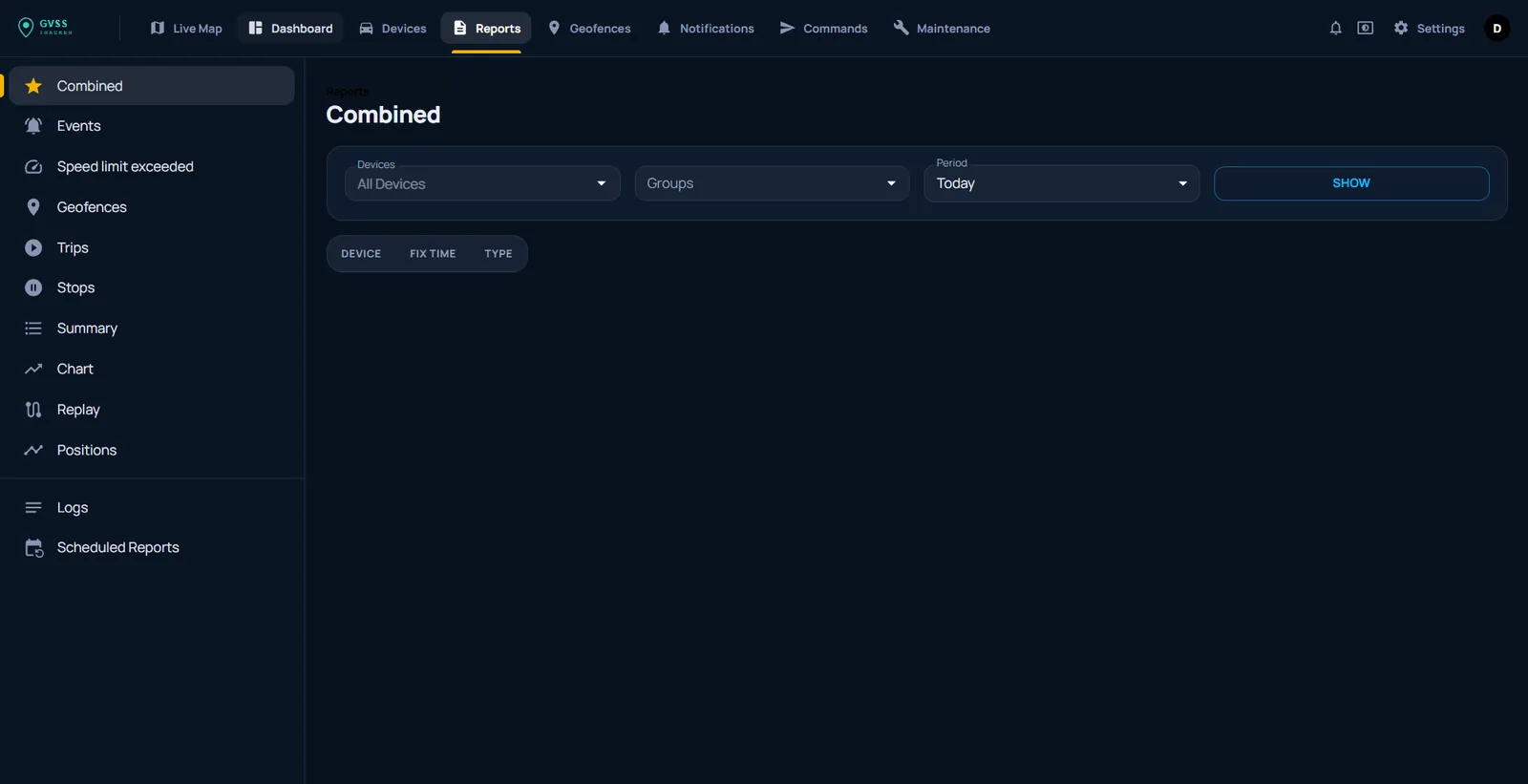
Pick devices or groups and a period, then view or export:
- Combined, Events and Speed limit exceeded
- Geofences, Trips, Stops and Summary
- Chart (speed, fuel, voltage and more), Replay and Positions
- Logs and Scheduled reports sent to your email automatically
Geofences, notifications and commands
Draw circle or polygon geofences on the map, choose which alerts each user receives (app, email, SMS or WhatsApp), and send saved commands such as engine lock and restore to one or many vehicles.
Maintenance
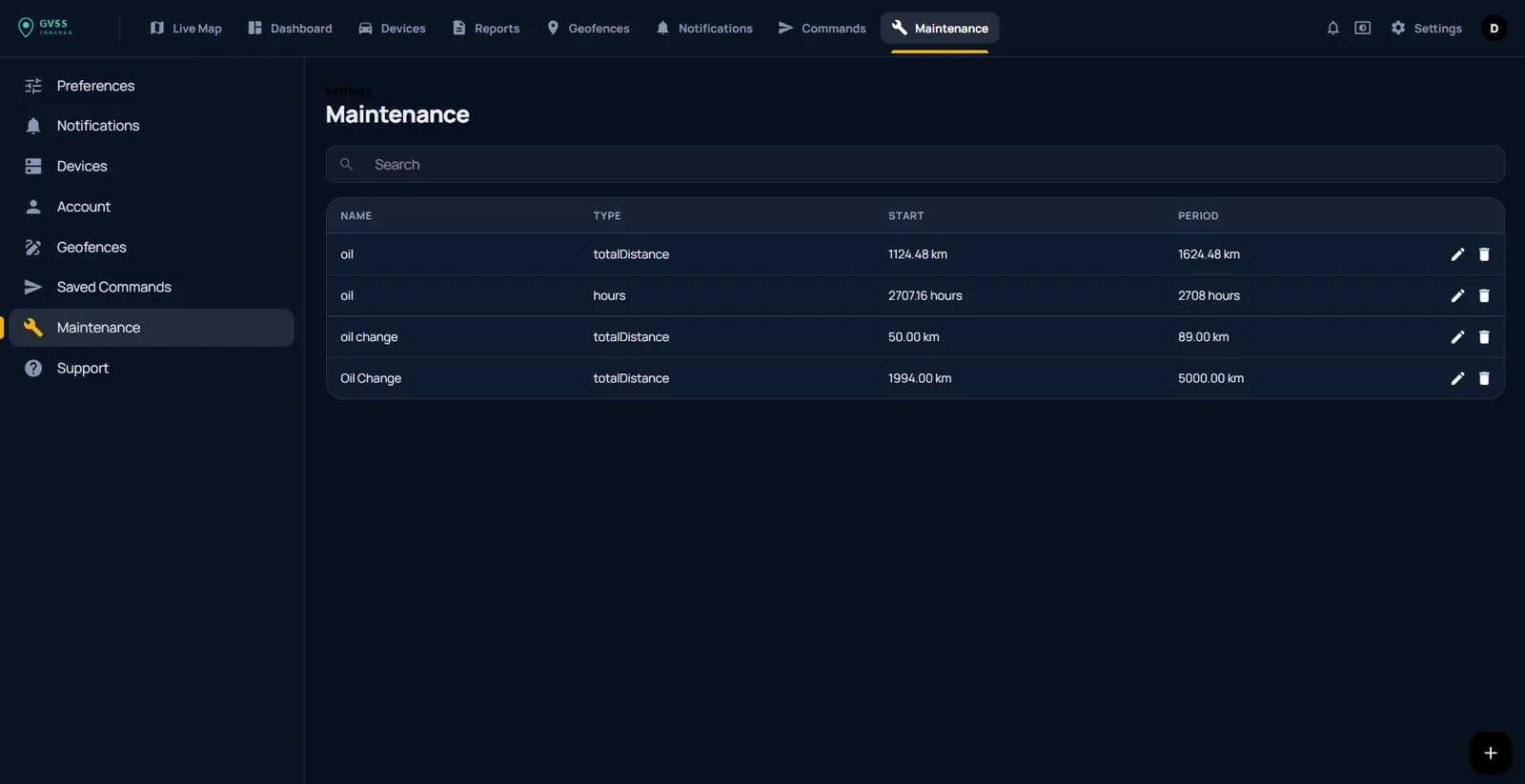
Create service reminders by total distance or engine hours — for example an oil change every 5,000 km — and get notified when each vehicle is due.
Users and permissions
Add users for managers, branches or customers, decide which vehicles each one can see, and set read-only access where needed.